TikTok LIVE Studio setup — stream from a PC, raise production
TikTok LIVE Studio is the desktop application that turns a computer into a higher-fidelity LIVE source: 1080p stable video, USB-microphone audio, scene switching, and overlays. It complements the phone for creators who run multi-source LIVEs (camera + screen + game) or need consistent audio quality. Black Ads Agency configures LIVE Studio with managed creators during the gear audit phase.
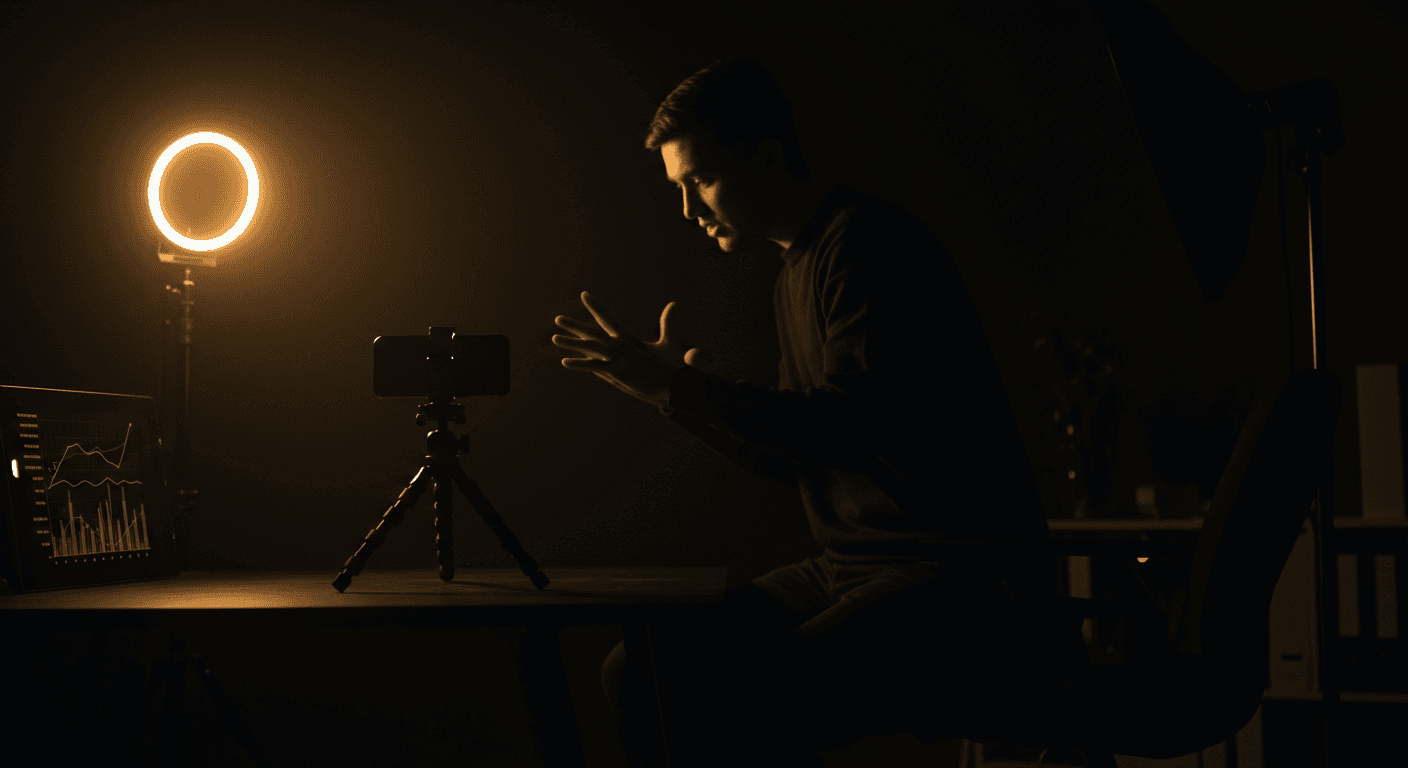
When LIVE Studio is the right call
Black Ads Agency rule: choose TikTok LIVE Studio over the phone when you need 1080p stable video, USB-microphone audio quality, multi-source compositing (camera + screen-share or game capture) or scene switching mid-LIVE — and accept that the desktop app needs a stable Wifi or wired connection at 5 Mbps upload minimum to stay reliable across MENA 108135, France 115414, Italy 117633, Germany 120935, US 128508.
Why use LIVE Studio vs the phone app — Four advantages over phone-only.
Install on Windows — Six steps from download to first scene.
Install on macOS — Four steps for Mac users.
Recommended settings — The four numbers that matter.
Common bugs and fixes — Five issues, five fixes.
If LIVE Studio crashes — Exporting logs for support escalation.
When TikTok LIVE Studio crashes repeatedly, TikTok support requires log files to diagnose. The log files live at %appdata%\\TikTok LIVE Studio\\logs on Windows and the equivalent path on macOS. Compress the logs folder as a ZIP and share with your manager. For managed creators, the agency provides the log export procedure and forwards files to TikTok support.
Important security — Two non-negotiables.
Black Ads Agency managed creators on all 5 server factions (MENA 108135, FR 115414, IT 117633, DE 120935, US 128508) get LIVE Studio escalations handled by the technical desk in Sousse, Tunisia: send the ZIP via BlackOS (iOS App Store id6767493180), the agency forwards to TikTok Senior Partner support and tracks the ticket. Senior TikTok LIVE Partner since May 2025.
Battles are won before the gift call
How TikTok LIVE actually works
TikTok LIVE is a separate product layer on top of short-form video, with its own eligibility thresholds, recommendation logic, monetization…
How TikTok LIVE creators get paid
Creators on TikTok LIVE earn through two distinct income streams.
Frequently asked questions
No. TikTok LIVE allows one active source per creator account at a time. Switching between phone and LIVE Studio mid-LIVE ends the current session. Black Ads Agency advises managed creators to pick the source per-LIVE based on the format and stick with it.
Production polish without leaving the platform.
Black Ads Agency configures LIVE Studio with managed creators during the onboarding audit — no third-party software, no broken streams.